How to Choose the Best Computer Cases for Your Needs?
Choosing the right computer case is crucial for your system's performance and aesthetics. Renowned expert in computer hardware, Dr. Emily Chen, once stated, "The right case can enhance airflow, improve cooling, and showcase your components." This highlights the importance of considering various factors when selecting Computer Cases.
When searching for the perfect Computer Cases, think beyond just style. Pay attention to size, compatibility, and cooling options. Do you have a massive GPU? An ultra-compact case may not suit your needs. Ideal cases provide ample room and effective airflow while still looking visually appealing. Striking a balance is key.
Many buyers overlook the significance of cable management and design. Poor organization can hinder airflow and create a chaotic build. Reflect on your choices. Are you prioritizing function over form? Understanding these aspects can guide you in selecting a case that meets both your performance needs and aesthetic preferences.
Understanding Different Types of Computer Cases Available in the Market
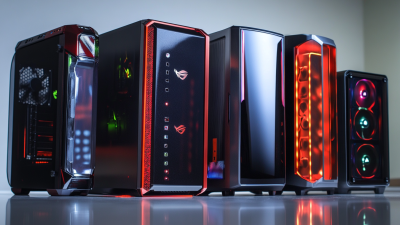
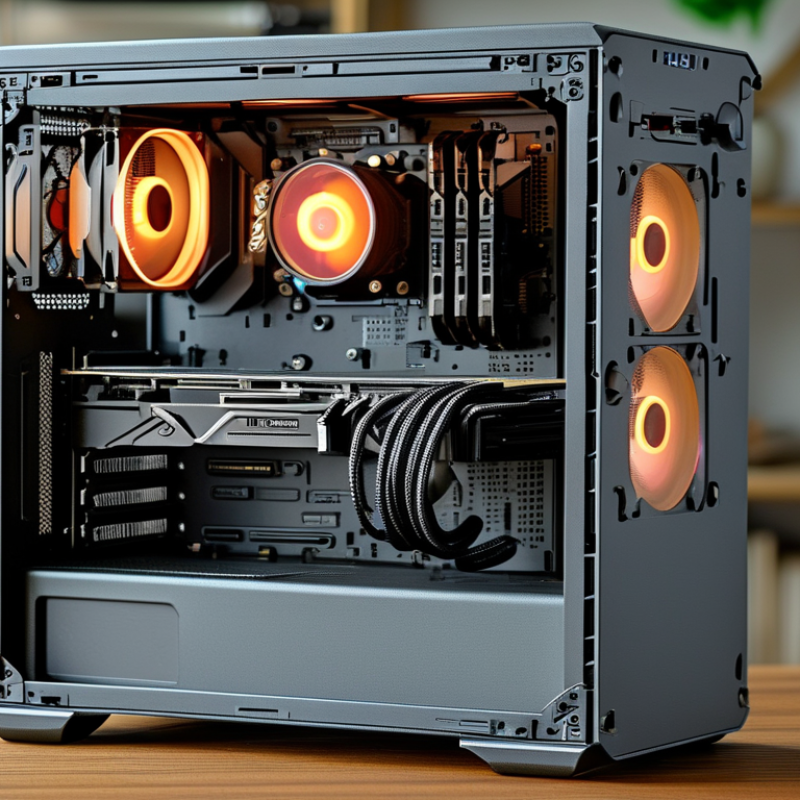
When exploring the market for computer cases, understanding the various types available is essential. There are ATX, micro-ATX, and mini-ITX cases. Each type serves different needs and preferences. ATX cases are larger, offering more expansion options. They allow for superior airflow and additional components. Micro-ATX is a compact option, balancing size and features well. Mini-ITX cases are ideal for space-saving designs, but they restrict component choices.
Consider your hardware requirements when selecting a case. Cooling capabilities are crucial, especially for high-performance builds. Ensure there are enough fan mounts and airflow is optimized. Cable management is another vital factor. A tidy setup enhances airflow and makes maintenance easier.
Tips: Measure your components before buying. This ensures compatibility with the case size. Look for cases with good dust filters to maintain cleanliness. Remember, aesthetics matter too. Choose a design that complements your personal style. Reflect on your long-term upgrade plans as well. An initial investment in a versatile case pays off as your needs evolve.
Key Factors to Consider When Choosing a Computer Case
Choosing the right computer case is crucial. It affects airflow, cooling, and overall performance. One key factor to consider is size. Cases come in various sizes, from compact to full towers. Make sure your components fit properly. A case that’s too small can cause overheating.
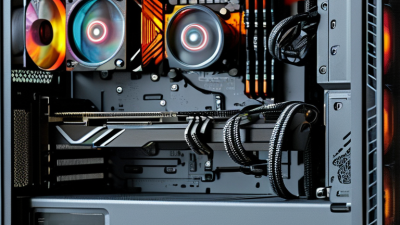
Another important element is airflow. Good ventilation helps maintain temperature. Look for cases with mesh panels or multiple fan slots. This feature reduces the risk of components failing due to heat. Pay attention to cable management options as well. Neatly arranged cables improve airflow and aesthetic appeal.
Aesthetics matter, too. While functionality is vital, how your case looks can enhance your setup. Consider lighting options and design elements. However, balance style with practicality. A flashy case with poor airflow is not wise. Reflect on your needs and preferences before making a decision.
How to Choose the Best Computer Cases for Your Needs?
Compatibility: Ensuring Your Components Fit the Case Properly
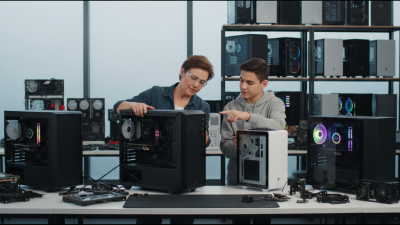
When selecting a computer case, compatibility is crucial. Your components must fit seamlessly within the case. Take time to check dimensions. Each part, from the motherboard to the cooling system, requires specific space. A tight fit can lead to overheating or performance issues.
Consider your hardware choices carefully. For example, a standard ATX motherboard needs an adequate case that supports its size. Graphics cards can be lengthy. Ensure the case has enough clearance. Don't assume all cases fit all components. Research and confirm compatibility before purchase.
Sometimes, even experienced builders overlook details. A powerful GPU might not align well with a compact case. This oversight can cause frustration. Tools like compatibility checkers can help, but they are not foolproof. Each build is unique, needing your attention. Just remember, careful planning now helps avoid headaches later.
Cooling Solutions: Choosing Cases for Optimal Airflow and Temperature
When selecting a computer case, airflow is key. Good airflow helps maintain optimal temperatures for your components.
Cases with multiple fans or ventilation options tend to perform better. Look for designs that allow air to flow freely
through and out of the case. Larger cases typically offer better airflow than smaller ones.
It’s important to consider the layout. A well-organized interior helps air circulate effectively. Cables should be
managed properly, as clutter can obstruct airflow. Clearance for fans and radiators should also be measured.
Not all cases provide ample room for high-performance cooling setups.
Tips: Choose a case with mesh panels. This allows cooler air to enter. Opt for a layout that
supports enough fans. Monitor temperature regularly to identify any issues. Remember, beauty and performance
can go hand in hand, but functionality should come first.
Design and Aesthetics: Picking Cases That Match Your Style Preferences
Choosing the right computer case is essential for both functionality and aesthetics. A computer case reflects your personal style and can enhance your workspace. Consider your favorite colors, materials, and shapes. A sleek case can add elegance, while a rugged design might suit a gamer’s style. The right case can create a visually appealing environment that inspires creativity.
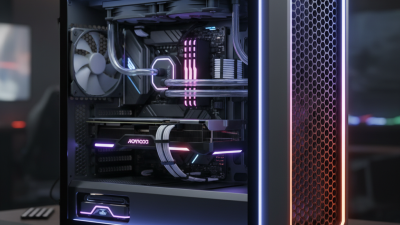
When picking a case, focus on how it complements other elements in your setup. Tips to consider: Choose colors that match your peripherals. Look for materials that resonate with your design preferences. Acrylic panels can showcase your hardware, while metal provides a sophisticated look. Think about lighting options too; RGB options can bring your case to life.
Reflect on your needs beyond aesthetics. The case should accommodate cooling solutions and expansion slots. A pretty case that blocks airflow won’t serve well. Evaluate your priorities and balance beauty with practicality. Remember, the best choice may not always be the most attractive. Stay true to your style, but ensure it fits your requirements.