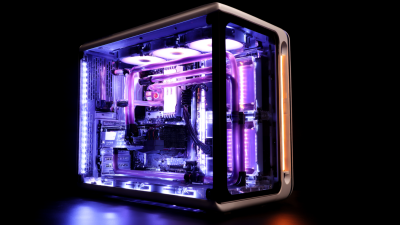
The Ultimate Guide to Building Your Own Gaming PC for Maximum Performance
In the ever-evolving world of gaming, the quest for unparalleled performance often leads enthusiasts to consider building their own Gaming PC. This comprehensive guide aims to equip you with the essential knowledge and tools necessary for crafting a custom rig that not only meets but exceeds your gaming expectations.
 By understanding the key components, selecting the best hardware options, and applying optimal design principles, you can unlock the full potential of your gaming experiences. Whether you're a competitive gamer seeking every possible advantage or a casual player wanting to enhance your enjoyment, this guide will walk you through the intricate process of constructing a Gaming PC that delivers maximum performance for any gaming scenario.
Dive in and discover the best practices that will elevate your gaming journey to extraordinary heights.
By understanding the key components, selecting the best hardware options, and applying optimal design principles, you can unlock the full potential of your gaming experiences. Whether you're a competitive gamer seeking every possible advantage or a casual player wanting to enhance your enjoyment, this guide will walk you through the intricate process of constructing a Gaming PC that delivers maximum performance for any gaming scenario.
Dive in and discover the best practices that will elevate your gaming journey to extraordinary heights.
Choosing the Right Components for Your High-Performance Gaming PC
When building a high-performance gaming PC, selecting the right components is crucial for achieving optimal results.
Start with the processor (CPU), as it is the brain of your system. For gaming, look for a multi-core CPU with high clock speeds to ensure smooth performance, especially in CPU-intensive titles. Brands like AMD and Intel offer a range of processors that cater to different budgets and performance needs. Additionally, pairing your CPU with an efficient cooling solution will help maintain its performance during extended gaming sessions.
Next, focus on the graphics card (GPU), which plays a significant role in delivering stunning visuals. A powerful GPU will enable you to play games at higher resolutions and frame rates, enhancing your overall gaming experience. NVIDIA and AMD are the leading brands in this area, providing a variety of options from entry-level to high-end models. Make sure to consider your gaming preferences and monitor resolution when choosing a GPU.
Lastly, don’t neglect other components, such as sufficient RAM and a fast SSD, as they contribute significantly to system performance and loading times. Combining these components wisely will ensure your gaming PC runs at its peak efficiency.
Understanding CPU and GPU Compatibility for Optimal Gaming
When constructing a high-performance gaming PC, understanding the compatibility between the CPU and GPU is essential for achieving optimal results. According to a report by Jon Peddie Research, the right combination of CPU and GPU can significantly affect frame rates, with mismatched components leading to bottlenecks that can diminish gaming performance by as much as 40%. It is crucial to select a CPU that can keep up with powerful GPUs, particularly those in the latest generation, as modern gaming demands higher processing capabilities to manage complex graphics and AI computations.
For instance, pairing a high-end GPU like the NVIDIA GeForce RTX 4090 with a mid-tier CPU could result in bottlenecking, limiting the GPU's potential. Industry benchmarks reveal that CPUs such as the AMD Ryzen 9 5900X or Intel Core i9-12900K are recommended for a balanced setup, as they offer powerful multi-core performance that complements high-end graphics cards. Ensuring that both components are compatible not only enhances gaming visuals but also supports smoother gameplay, paving the way for an immersive gaming experience. Thus, careful research and planning are imperative to maximize every aspect of your gaming rig.

Selecting the Best Motherboard and RAM for Enhanced Performance
When building a gaming PC for maximum performance, selecting the right motherboard and RAM is crucial. The motherboard acts as the backbone of your system, connecting all components and determining the architecture's capability. According to a report by Jon Peddie Research, the motherboard market is expected to exceed $25 billion by 2025, highlighting its importance in the gaming PC hierarchy. It’s essential to choose a motherboard that supports the latest standards, such as PCIe 4.0, and has robust VRM systems to sustain high-performance CPUs and GPUs during intense gaming sessions.

Equally important is the choice of RAM. A study published by TechSpot emphasizes that systems equipped with 16GB of RAM or more significantly outperform those with only 8GB in modern gaming. Opting for high-speed DDR4 RAM with a minimum speed of 3200MHz can notably enhance performance, reducing latency and increasing frame rates. Additionally, dual-channel configurations are recommended, as they can provide a substantial boost to memory bandwidth, which is vital for resource-intensive applications. Investing in the right motherboard and RAM not only optimizes performance but also lays a sturdy foundation for future upgrades.
Assembling Your Gaming PC: Step-by-Step Instructions and Tips
Building your own gaming PC can be a rewarding yet challenging endeavor. To start, you'll need to gather essential components such as a high-performance GPU, a reliable CPU, adequate RAM, and the right motherboard. Each piece plays a crucial role in your PC's overall performance. Pay close attention to compatibility; for example, ensure that your motherboard can support the chosen CPU and RAM capacity. Also, consider the benefits of an extended warranty for key components like the GPU and CPU, which can safeguard your investment in the long term.
Once you've selected your components, the assembly process begins. Start by installing the CPU into the motherboard and securing it properly before adding thermal paste and the cooler. Next, slot in your RAM sticks, ensuring they click into place. After that, mount your motherboard into the case and connect the PSU for power. As you proceed, double-check all connections, especially those for graphics cards and storage drives. This meticulous approach ensures that your gaming PC will run smoothly and leverage the full power of your selected hardware for an optimal gaming experience.
Configuring Your System for Maximum Efficiency and Cooling Solutions
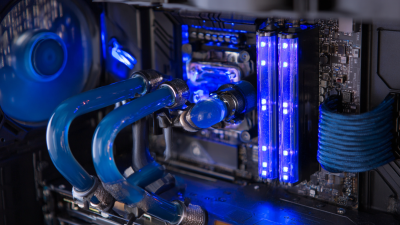
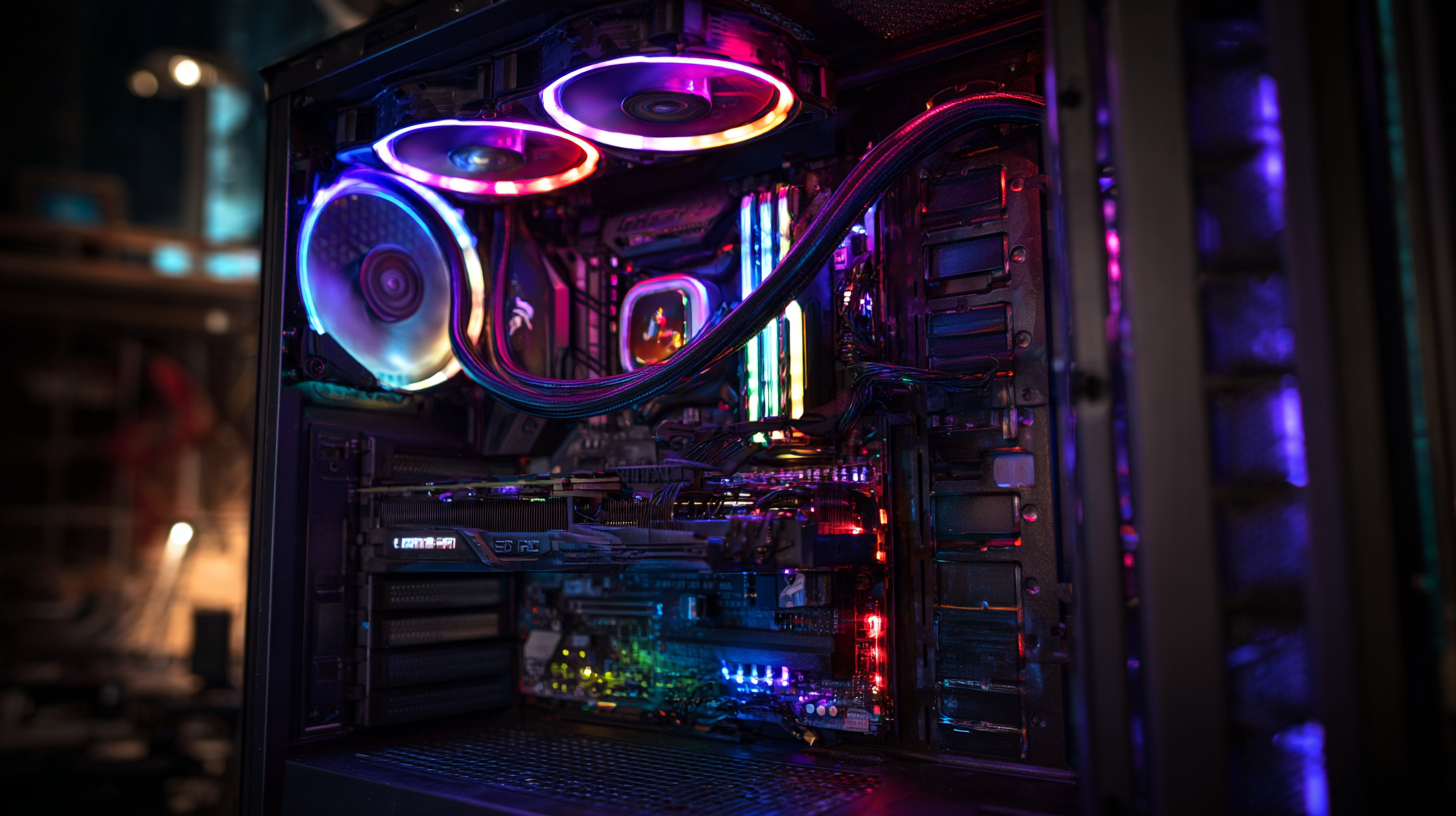
When building a gaming PC with a focus on maximum efficiency and cooling solutions, it's crucial to consider the thermal management of your system. Efficient cooling is essential not just for peak performance, but also for the longevity of your components. Liquid cooling systems, in particular, have gained popularity due to their ability to dissipate heat more effectively than traditional air cooling solutions. By using thermal conductors and advanced cooling fluids, liquid cooling ensures that your CPU and GPU maintain optimal temperatures, even during intense gaming sessions.
Furthermore, as technology evolves, market trends indicate a growing demand for innovative cooling solutions. The global market for secondary refrigerants is rapidly expanding, driven by a need for sustainable cooling practices. This trend highlights the importance of using high-efficiency cooling technologies that reduce environmental impact while maximizing performance. In the gaming PC landscape, integrating these advanced cooling technologies can significantly elevate your system’s performance, providing a competitive edge and a smoother gaming experience.