What is PC Cooling and Why is it Necessary for Your System?
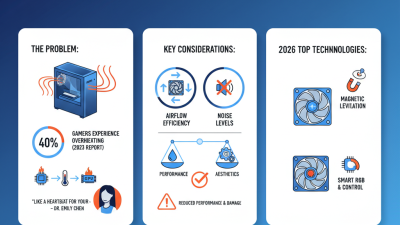
PC Cooling is essential for maintaining optimal performance in computer systems. As technology advances, processing units generate substantial heat. According to a study by the International Journal of Thermal Sciences, a 10°C increase in temperature can reduce a CPU's lifespan by up to 50%. This statistic highlights the need for efficient cooling solutions.
Investing in PC Cooling methods, such as air and liquid cooling, can significantly enhance system performance. High-performance components often require better cooling solutions to prevent thermal throttling. Research from Hardware Canucks indicates that proper cooling can improve overclocking potential by 20-30%. Therefore, ignoring cooling can lead to reduced efficiency and shorter hardware lifespan.
Despite the advancements in PC Cooling technologies, many users still overlook this critical aspect. Some believe that stock coolers suffice, but they often neglect the need for additional cooling under peak loads. As gaming and intensive applications continue to drive hardware development, proper cooling should not be an afterthought. Emphasizing awareness around PC Cooling can foster informed decisions and enhance system longevity.
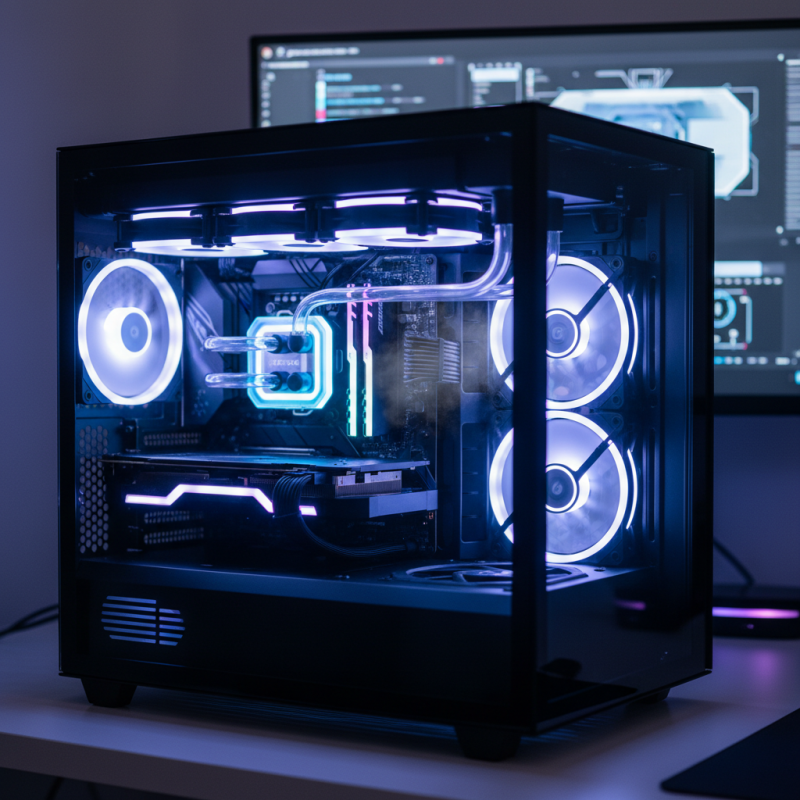
What is PC Cooling and Its Importance in Hardware Performance
PC cooling is vital for maintaining optimal hardware performance. As your computer runs, it generates heat. Excessive heat can lead to component failure, reduced efficiency, and even system crashes. Proper cooling solutions help dissipate this heat, ensuring smooth operation.
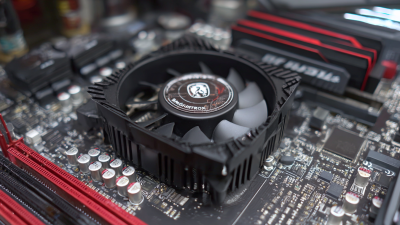
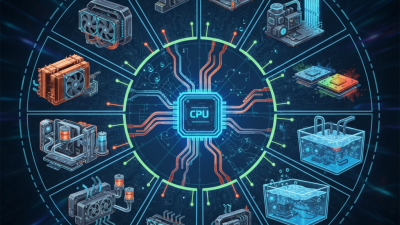
There are various methods to cool a PC. Air cooling uses fans and heatsinks to regulate temperature. Liquid cooling is more advanced but can be complex and expensive. Each method has its advantages and disadvantages. A well-cooled system can enhance performance and prolong the lifespan of hardware, but many overlook these cooling strategies.
Heat generation is a constant issue in high-performance systems. Gamers and content creators often push components to their limits. Ignoring cooling needs can lead to throttling. This occurs when hardware reduces its performance to prevent overheating. It's crucial to be aware of one's cooling setup and make adjustments as needed. Regular maintenance, like cleaning fans and checking thermal paste, can make a significant difference.
Types of PC Cooling Systems: Air Cooling vs. Liquid Cooling
PC cooling is vital for maintaining optimal performance. Two main types of cooling systems exist: air cooling and liquid cooling. Understanding their differences can help you choose the right one for your setup.
Air cooling uses fans and heat sinks to dissipate heat. It is often more affordable and simpler to install. Dust can accumulate, impacting performance. Regular cleaning is essential. Air cooling may not handle extreme heat as effectively, especially in high-performance builds.
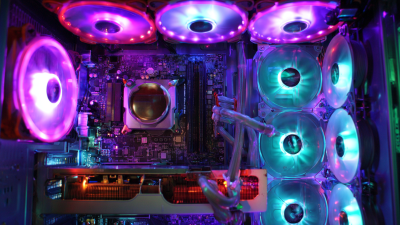
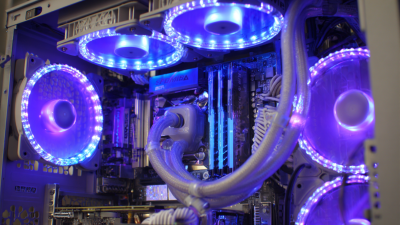
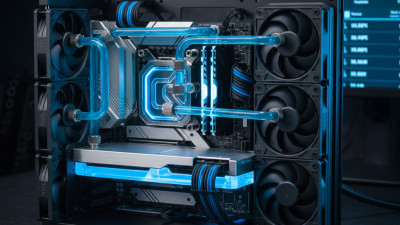
Liquid cooling, on the other hand, circulates coolant through tubes and radiators. This method provides superior heat dissipation and quieter operation. However, it can be complex to install. If not set up correctly, leaks may occur. Understanding the risks is crucial. Both methods have advantages and limitations. Evaluating your specific needs will guide your decision.
What is PC Cooling and Why is it Necessary for Your System? - Types of PC Cooling Systems: Air Cooling vs. Liquid Cooling
| Cooling Type |
Advantages |
Disadvantages |
Best Used For |
| Air Cooling |
- Simple and cost-effective
- Easy to install
- Low maintenance |
- Can be less efficient for high performance
- Can be noisy due to fans |
- Budget builds
- Standard gaming systems |
| Liquid Cooling |
- Better cooling efficiency
- Quieter operation
- Aesthetic options available |
- More expensive
- More complex installation
- Potential for leaks |
- High-performance gaming
- Overclocking setups |
How Overheating Affects CPU and GPU Longevity and Performance
Overheating can severely impact the longevity and performance of your CPU and GPU. These components generate a significant amount of heat during operation. When the temperature rises excessively, it can lead to thermal throttling, where performance is automatically reduced to avoid damage. This can result in lower frame rates and sluggish response times in gaming and professional applications.
Moreover, prolonged exposure to high temperatures can shorten the lifespan of these critical components. Thermal stress can lead to physical damage, such as solder joint failures and wear on internal circuits. Many users are not aware of this gradual deterioration. Routine checks of thermal performance are essential. If a system is running hot regularly, it may be time to reevaluate cooling solutions. Fans may need cleaning or replacements, while thermal paste can degrade over time, compromising heat transfer.
Understanding the relationship between heat and performance is crucial. Users often overlook the importance of effective cooling. Ensuring adequate airflow and having well-placed cooling elements are necessary steps. A system that stays cool will not only operate efficiently but will also maintain its performance and longevity. Balancing aesthetics and functionality is often a challenge, but it’s worth the effort for long-term reliability.
Impact of Cooling Solutions on CPU and GPU Performance
As illustrated in the chart, different cooling solutions have a significant impact on the performance of CPU and GPU. Air cooling provides decent performance, while liquid cooling greatly enhances performance levels, ensuring longevity and optimal functionality of the hardware.
Industry Statistics on PC Cooling Efficiency and System Stability
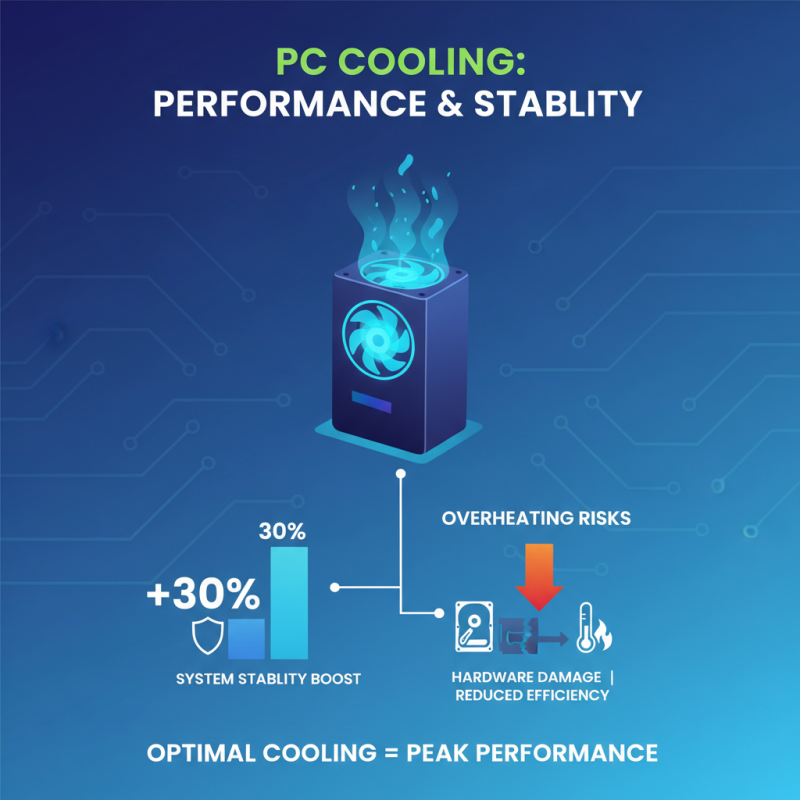
PC cooling plays a crucial role in maintaining system performance. Overheating can lead to hardware damage and decreased efficiency. Recent studies show that optimal cooling methods can boost system stability by up to 30%. This statistic highlights the importance of an effective cooling strategy for your PC.
Temperature regulation is essential for high-performance components. Components like CPUs and GPUs generate significant heat during operation. Inadequate cooling can result in thermal throttling, impacting system speed and responsiveness. Data indicates that systems with robust cooling solutions run 40% longer without issues. This underscores the necessity of investing in reliable cooling technologies.
However, many users overlook cooling efficiency. Inadequate airflow and dust accumulation are common problems. These factors can severely compromise performance. Regular maintenance, such as cleaning fans and ensuring proper airflow, is often neglected. A few small adjustments can lead to noticeable improvements, making it critical to address cooling proactively.
Best Practices for Maintaining Optimal Temperatures in Gaming PCs
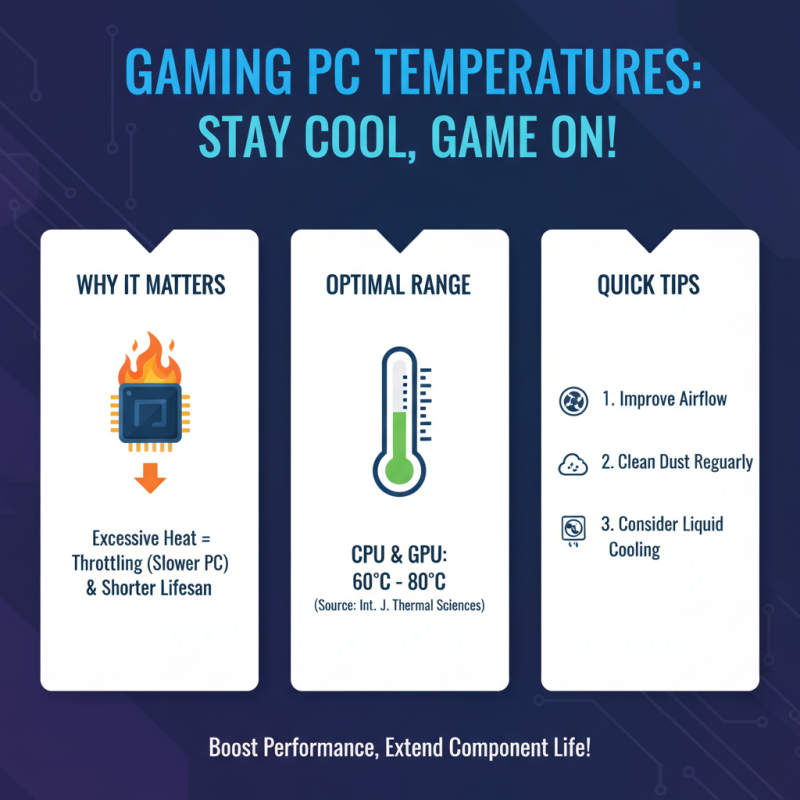
Maintaining optimal temperatures in gaming PCs is crucial for performance. Excessive heat can lead to throttling, where the CPU and GPU reduce their speed to cool down. According to a report from the International Journal of Thermal Sciences, optimal temperature ranges for CPU and GPU are typically between 60°C and 80°C. Staying within this range can enhance component lifespan significantly.
Ventilation is a key aspect of cooling. Ensuring that your PC has adequate airflow can prevent heat buildup. Positioning the case in a way that allows for unobstructed air intake and exhaust is vital. Dust buildup can hinder airflow, leading to higher temperatures. Regular cleaning, approximately every three months, can mitigate this issue. Moreover, using fans and heat sinks made from high-performance materials can enhance heat dissipation.
Cooling solutions vary in effectiveness. Liquid cooling systems can provide superior temperature management compared to air cooling. However, they require more maintenance and installation know-how. An infographic by TechRadar suggests that 80% of PC builders prefer air cooling due to its simplicity. Balancing between efficiency and ease of use is a constant consideration in personal setups. Reflecting on these choices can guide optimizations for individual systems.