Why is PC Cooling Essential for Optimal Performance?
In the competitive landscape of PC gaming and high-performance computing, effective PC cooling is paramount. A report from TechInsights indicates that as processing power increases, so does heat generation. Without optimal cooling solutions, performance can suffer dramatically. According to cooling expert Dr. Emily Turner, “Good cooling is not just about aesthetics; it's vital for performance longevity.”
PC components work harder than ever. High-performance CPUs and GPUs can reach critical temperatures, risking stability and lifespan. In fact, studies have shown that thermal throttling can reduce performance by up to 30%. This statistic underscores the importance of investing in quality PC cooling solutions. As systems become more complex, ensuring adequate cooling has become a fundamental aspect of PC building.
Many enthusiasts still overlook cooling systems, possibly due to higher costs or lack of knowledge. However, the repercussions can be severe. Components can overheat, leading to system crashes or permanent damage. Awareness of the imperative nature of PC cooling must grow within the community. The right cooling strategy can enhance not only performance but also the overall gaming experience.
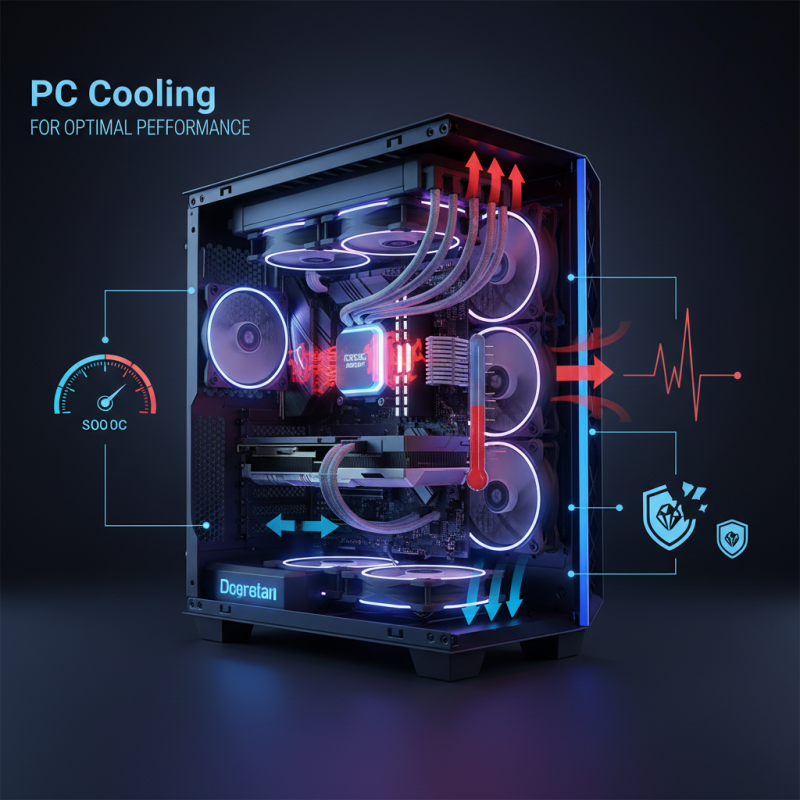
Understanding the Importance of PC Cooling in Computing Systems
PC cooling is crucial for maintaining optimal performance in computing systems. When components like CPUs and GPUs operate, they generate heat. Excessive heat can lead to hardware throttling and even failures. According to a report by the International Journal of Heat Mass Transfer, efficient cooling solutions can improve performance by up to 20%. This data highlights the significant impact of effective cooling on system capabilities.
Overheating often signals inefficient cooling solutions. For instance, the thermal threshold for many CPUs is around 85°C. Exceeding this limit can result in permanent damage. Regular maintenance and adequate airflow can combat this issue. Tips like cleaning dust filters and optimizing cable management enhance airflow. Additionally, consider using thermal paste to improve heat transfer between the components and their coolers.
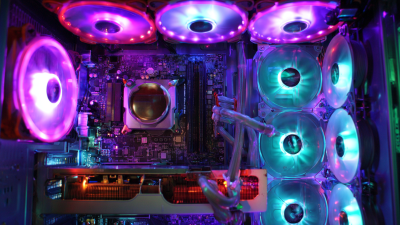
User awareness is key. Many still underestimate the role of cooling. In reality, overlooked cooling systems could hinder performance. As systems become more advanced, cooling technologies evolve. Exploring options like liquid cooling could be beneficial. This system provides superior heat dissipation compared to traditional air cooling. Keeping components at a stable temperature is vital for performance longevity.
Why is PC Cooling Essential for Optimal Performance?
| Cooling Method |
Efficiency (%) |
Noise Level (dB) |
Cost ($) |
| Air Cooling |
70 |
30 |
50 |
| Liquid Cooling |
85 |
20 |
150 |
| Phase Change Cooling |
90 |
40 |
300 |
| Peltier Cooling |
75 |
50 |
250 |
How Heat Affects PC Component Performance and Longevity
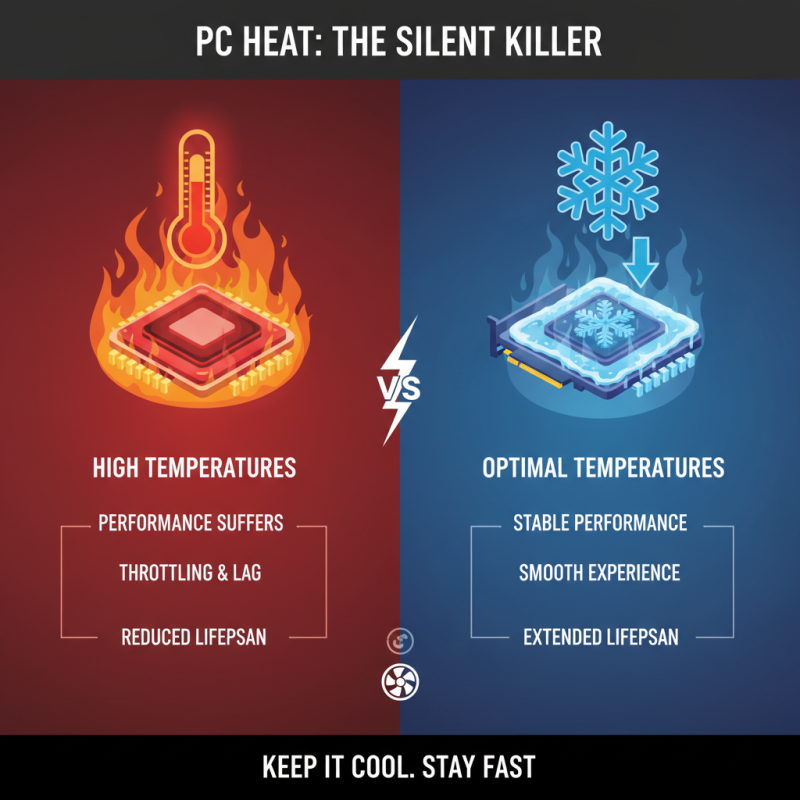
Heat is a silent killer in the world of PCs. When components, like CPUs and GPUs, get too hot, performance suffers. Prolonged exposure to high temperatures can lead to throttling, where the system slows down to cool down. This results in lag during gaming or slow processing speeds during tasks. Users often underestimate how heat can stifle their computing experience.
Furthermore, excess heat negatively impacts the longevity of components. For instance, capacitors may degrade faster under extreme temperatures. This can lead to failures that might require costly replacements. It's essential to have reliable cooling systems in place, such as fans or liquid cooling solutions. Many PC enthusiasts invest in high-efficiency cooling systems to extend the lifespan of their parts, but not everyone prioritizes this. Some might overlook simple maintenance, like dusting out vents, which can lead to overheating.
While many users understand the importance of cooling, they may struggle to implement effective solutions. Knowledge about airflow and component placement can be limited. Ignoring this area can be detrimental. Regular monitoring of temperatures can help identify issues before they escalate, leading to a healthier and better-performing PC system. A proactive approach is always more beneficial than reactive fixes.
Different Types of PC Cooling Solutions: Air vs. Liquid Cooling
Cooling your PC is vital for top performance. In the world of PC cooling, two main solutions prevail: air cooling and liquid cooling. Each has its pros and cons, catering to different user needs.
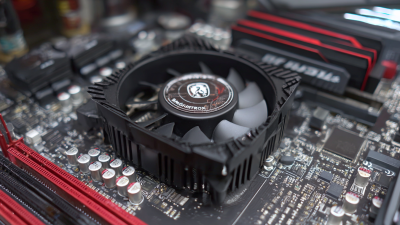
Air cooling is often the go-to option. It's simpler and less expensive. Typically, air coolers consist of a heat sink and one or more fans. They are easy to install and require minimal maintenance. However, they can be noisy and may struggle with high overclocks. In cramped cases, airflow can be a concern, leading to higher temperatures.
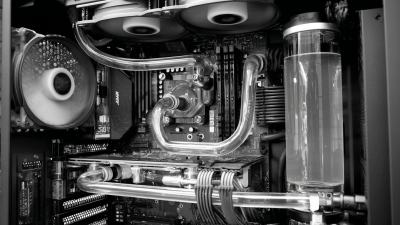
Liquid cooling, on the other hand, is more advanced. It utilizes a pump to circulate coolant through a system. This method can be quieter and more efficient at dissipating heat. Nonetheless, it presents challenges like potential leaks and more complexity. Proper installation and monitoring are crucial for maintaining optimal performance.
Tips: Maintain a clean environment. Dust buildup can hinder airflow in air cooling systems. For liquid cooling, ensure the coolant is topped off regularly. Regularly monitor temperatures to prevent overheating. Avoid overclocking if you’re unsure about the cooling performance you can achieve. Each cooling method has its strengths, so assess your needs carefully before deciding.
Why is PC Cooling Essential for Optimal Performance?
Effective PC cooling is crucial for preventing overheating and ensuring optimal performance. This chart compares the average operating temperatures of two main cooling solutions: Air Cooling and Liquid Cooling. As shown, liquid cooling typically maintains lower temperatures, which can lead to better performance and longevity of PC components.
Best Practices for Maintaining Optimal PC Cooling Efficiency
Maintaining optimal PC cooling efficiency is crucial for performance. Heat buildup can hamper a computer's speed and efficiency. According to a report by the International Journal of Computer Science, effective cooling can improve performance by up to 20%. When temperatures rise above 85°F (approximately 29°C), systems can throttle performance. This makes it essential to monitor cooling systems regularly and ensure they function properly.
One best practice includes using multiple fans. A balanced airflow within the case enhances heat dissipation. High airflow can reduce the average temperature by 10°F (about 5.5°C), significantly boosting system stability. Using quality thermal paste on CPU and GPU lowers thermal resistance, improving heat transfer. Ensuring that vents are unobstructed also prevents overheating.
Regular maintenance checks are key. Dust build-up on filters and fans can seriously impact cooling efficiency. A study from TechRadar highlights that 30% of overheating issues stem from dust accumulation. Cleaning your PC every three to six months can mitigate this. Monitoring software can provide real-time temperature readings. Understanding the temperature thresholds for components can guide proactive measures against overheating.
Signs Your PC Needs Better Cooling Solutions and Upgrades
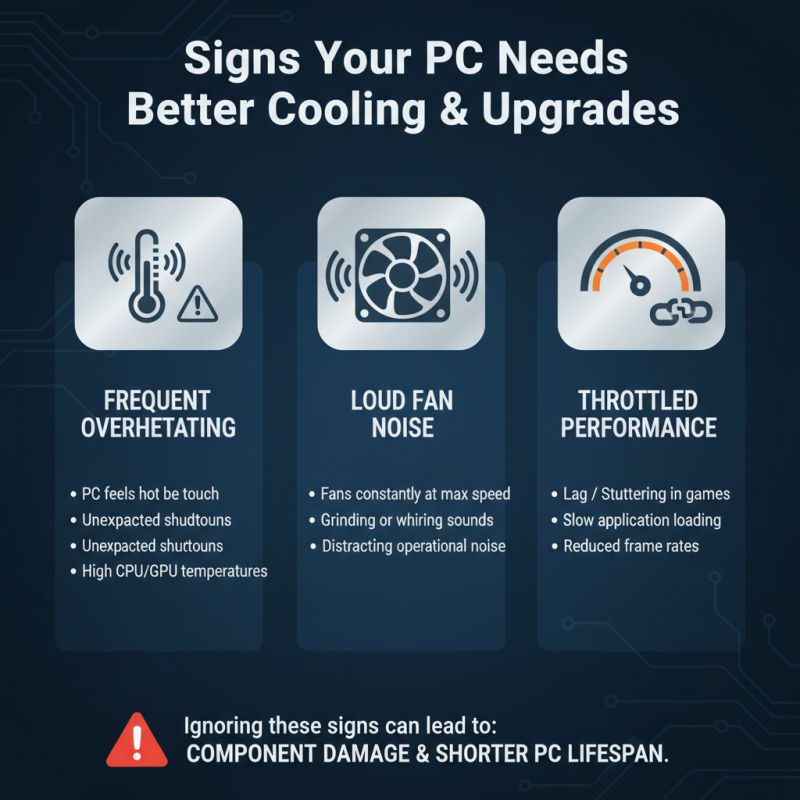
When it comes to PC performance, adequate cooling is often overlooked. Your computer may show signs that it needs better cooling solutions. If you notice frequent overheating or fan noise, this is a clear indication. These symptoms can lead to throttled performance. Over time, heat can damage components and shorten their lifespan.
Another warning sign is unexpected shutdowns or crashes. If your PC shuts down during resource-intensive tasks like gaming or video editing, overheating might be the culprit. Dust buildup in fans and vents can also restrict airflow, making cooling inefficient. Regular cleaning can help but might not be enough. You may need to consider upgrading your cooling system.
Monitoring software can provide insights into your PC's temperatures. If temperatures are consistently high, it may be time to act. Improved thermal paste or additional case fans can enhance cooling efficiency. Reflect on your current setup and assess whether it meets your performance needs. Don't underestimate the role of cooling in system reliability and longevity.