How to Choose the Right PC Components for Your Custom Build
Building a custom PC can be an exciting yet daunting task, especially when it comes to selecting the right PC components. Understanding how to choose the perfect components for your build is crucial in ensuring optimal performance, longevity, and satisfaction with your system. From processors and motherboards to graphics cards and storage drives, each component plays a critical role in the overall functionality and speed of your PC.
The process begins with assessing your specific needs and budget. Are you looking for a powerful gaming rig, a workstation for graphic design, or a simple home office setup? Each of these scenarios requires a different approach to selecting PC components, making it essential to know the intended use of your machine. Additionally, being aware of compatibility between components is vital to avoid frustrating issues during assembly.
In this guide, we will delve into the fundamental factors to consider when choosing PC components for your custom build. By equipping yourself with knowledge about various component specifications, performance metrics, and compatibility requirements, you will be empowered to create a system that not only meets your current needs but also allows for future upgrades and improvements.
Understanding the Basics of PC Components for Custom Builds
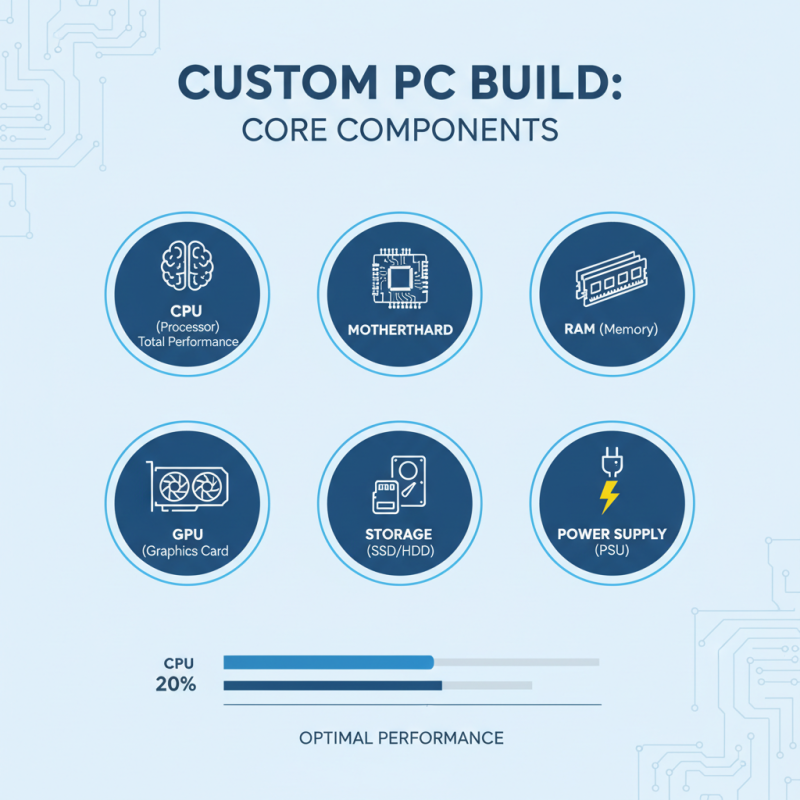
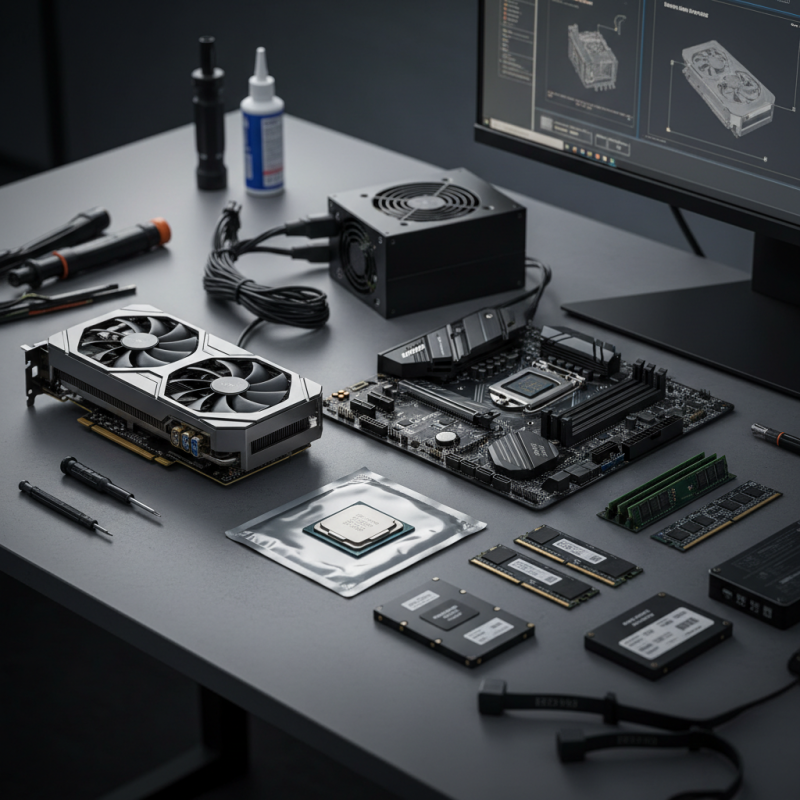
When embarking on a custom PC build, understanding the core components is essential to ensure optimal performance. The primary components to consider include the CPU, motherboard, RAM, GPU, storage, and power supply. According to recent industry studies, the processor (CPU) accounts for roughly 20% of a system's total performance rating, emphasizing its critical role. The right choice of CPU will greatly impact tasks ranging from gaming to content creation.
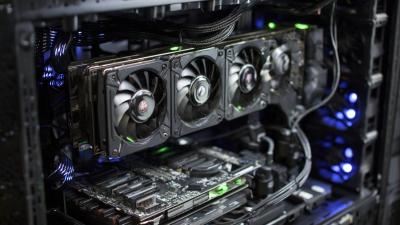
Another vital component is the graphics card (GPU), which has become increasingly important, especially for gamers and professionals working with graphic-intensive applications. Data shows that a powerful GPU can enhance frame rates and overall visual quality substantially, often being a decisive factor in gaming performance metrics. Additionally, selecting the right amount of RAM can affect multitasking efficiency; for instance, research indicates that a minimum of 16GB is ideal for today’s demanding applications.
**Tips:** When selecting components, always check compatibility, particularly between the CPU and motherboard. Utilize online tools or resources to confirm that your chosen parts will function together seamlessly. Furthermore, don't overlook the importance of cooling systems, as efficient thermal management can prolong the lifespan of your components and maintain peak performance. Lastly, set a budget that allows for future upgrades, ensuring your system remains relevant as technology progresses.
Assessing Your Needs: Gaming, Work, or General Use
When building a custom PC, the first step is to clearly assess your needs. Are you focused on gaming, professional work, or general use? Each purpose requires different specifications. For gamers, high performance and graphics capabilities are crucial, making a powerful GPU and a fast CPU a priority. Conversely, if your primary task is office applications or web browsing, you might not need top-tier components. Instead, a mid-range processor and sufficient RAM would suffice.
Tips: When considering gaming, think about the types of games you play. Are they graphics-intensive or more strategy-based? This can influence your choice of GPU. For work-related builds, prioritize a solid CPU and adequate RAM, especially if you work with demanding software like video editing tools or 3D rendering programs.
For general use, such as browsing, streaming, or light productivity tasks, balance is key. A decent dual-core processor and a reasonable amount of RAM can provide a smooth experience without overspending. Evaluate your specific requirements and choose components that align with your intended use, ensuring you get the most value from your custom build.
Choosing the Right CPU: Factors to Consider and Recommendations
When choosing the right CPU for your custom PC build, there are several critical factors to consider. First and foremost is the intended use of the system. If you're planning to engage in gaming, intensive graphic design, or heavy multitasking, you'll want a processor with higher core counts and greater clock speeds to ensure smooth performance. On the other hand, for basic tasks such as web browsing or document editing, a more budget-friendly option with fewer cores may suffice. Understanding your specific needs is crucial in making the right choice.
Another important aspect is compatibility with other components, particularly the motherboard. Different CPUs have varying socket types and chipset requirements, so ensure that the CPU you choose aligns with your motherboard’s specifications. Beyond compatibility, consider the thermal performance and power consumption of the CPU, as these factors will influence your cooling solutions and overall system build. Evaluating benchmarks and performance reviews can also provide insights into how specific CPUs perform under various loads, helping you make a well-informed decision that balances performance, efficiency, and value.
Selecting the Appropriate GPU for Optimal Performance
When building a custom PC, selecting the appropriate GPU is crucial for achieving optimal performance, particularly for tasks such as gaming, graphic design, or data analysis. The GPU, or graphics processing unit, is responsible for rendering images and videos, making it a key component that can vastly influence your computing experience. When choosing a GPU, consider factors such as your intended use, budget, and compatibility with other system components.
First, evaluate your primary use case. For gaming at high resolutions or engaging in graphics-intensive tasks, you'll want a powerful GPU with a higher memory capacity. Conversely, if you're using your PC for everyday tasks such as web browsing or office applications, a budget-friendly option may suffice. Additionally, ensure that the GPU is compatible with your motherboard and that your power supply can support its requirements. Pay attention to factors such as thermal efficiency and cooling solutions, as these can impact the longevity and performance of your build.
Finally, consider future-proofing your system. Technology evolves rapidly, and choosing a GPU that exceeds your current needs can extend the life of your build. Look for features like support for the latest APIs and resolutions to ensure that your custom PC remains relevant for years to come. With careful consideration and research, selecting the right GPU will significantly enhance your overall computing experience.
Choosing the Right GPU for Optimal Performance
Evaluating Motherboards: Features, Compatibility, and Form Factors
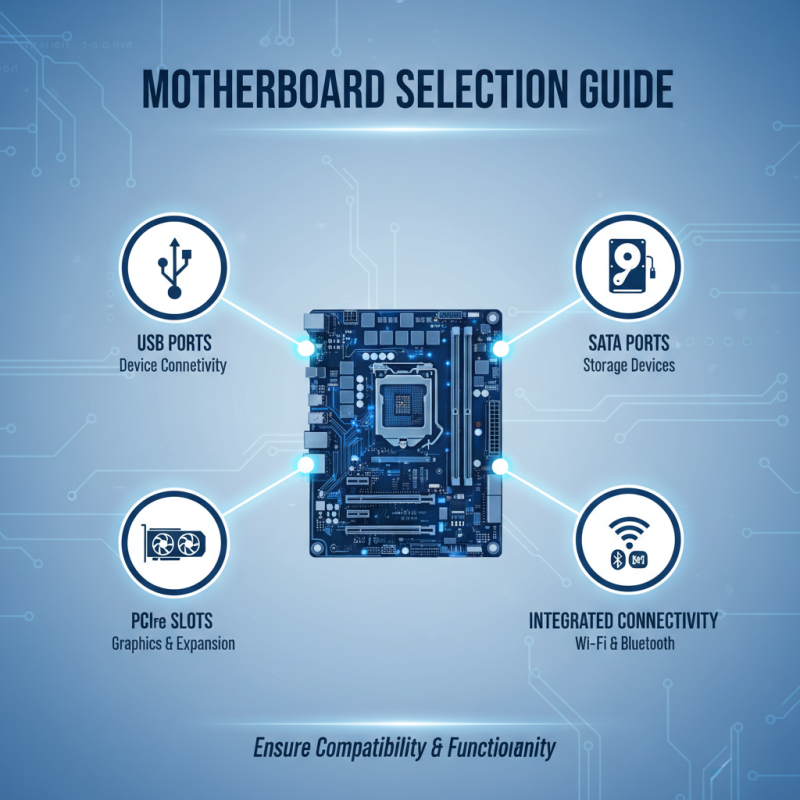
When building a custom PC, selecting the right motherboard is crucial for ensuring compatibility and functionality with your chosen components. The first step in evaluating a motherboard is to consider its features, which can significantly affect performance. Key features to look for include the number of USB ports, SATA connections for storage devices, and the availability of PCIe slots for graphics cards and other expansion cards. Moreover, certain motherboards offer built-in Wi-Fi or Bluetooth capabilities, which can eliminate the need for additional expansion cards, providing a cleaner build.
Compatibility is another vital aspect when choosing a motherboard. It’s essential to ensure that the motherboard's chipset is compatible with your CPU. Different sockets correspond to different processors, so matching these components is critical. Additionally, the motherboard must support the specific RAM type and generation you plan to use, including the maximum frequency and capacity. Lastly, consider the form factor of the motherboard—whether it is ATX, Micro-ATX, or Mini-ITX—since it will determine the size of your case and subsequently affect airflow and thermal management. By carefully assessing these factors, you can select a motherboard that not only meets your performance needs but also aligns with your custom build's design.