How to Choose the Best Watercooling Parts for Your PC Build in 2025
When building a high-performance PC in 2025, one of the most critical decisions you'll face is selecting the right cooling solutions to maintain optimal temperatures under heavy loads. Watercooling parts have emerged as a popular choice among enthusiasts for their superior heat dissipation capabilities and aesthetic appeal. Unlike traditional air coolers, watercooling systems offer enhanced performance and noise reduction, making them ideal for overclocking and intensive gaming. However, with a diverse market flooded with various options, it is essential to approach the selection process with care.
In this guide, we will explore the essential aspects to consider when choosing watercooling parts for your PC build. Factors such as compatibility with your CPU and case, the efficiency of pumps and radiators, and the overall design of the cooling loop will be discussed to help you make informed decisions. Furthermore, we will delve into the emerging trends and technologies in 2025 that can enhance your build's cooling efficiency and visual appeal. By understanding these elements, you can ensure that your watercooling system not only keeps your components cool but also complements your overall aesthetic vision for your PC.
Understanding the Basics of Watercooling Systems for PC Builds
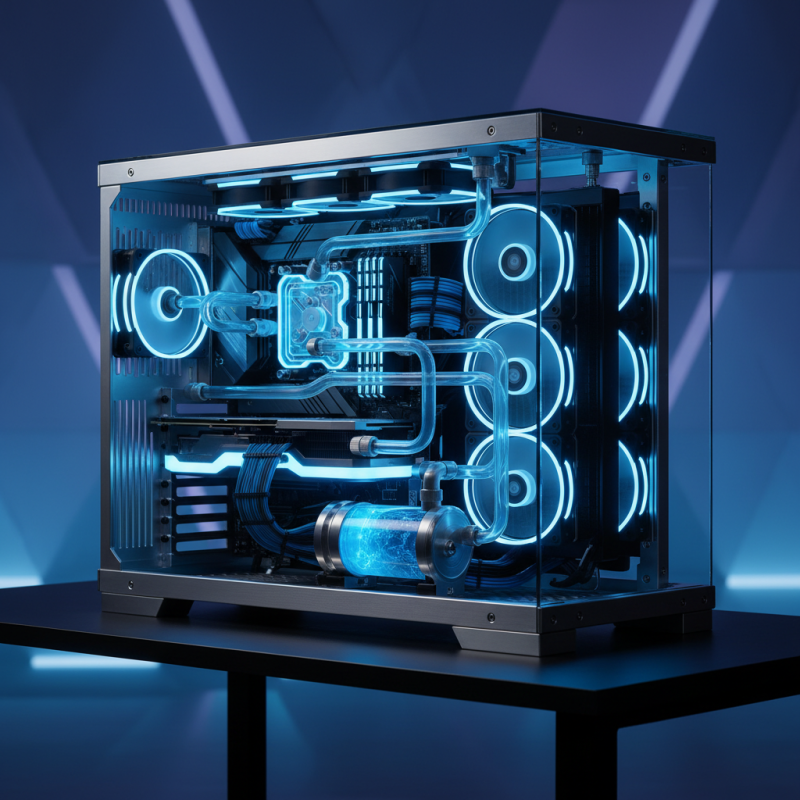
When embarking on a PC build, understanding the fundamentals of watercooling systems is crucial for achieving optimal performance and efficiency. Watercooling utilizes liquid to transfer heat away from critical components, making it a highly effective method for maintaining lower temperatures compared to traditional air cooling solutions.
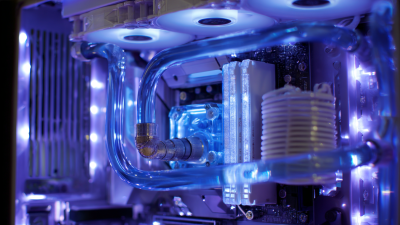
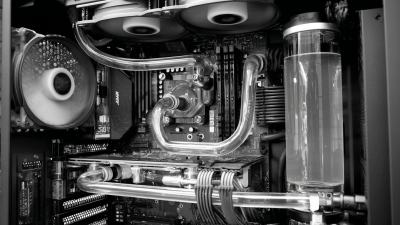
The core of a watercooling system includes key parts such as the water block, pump, radiator, and reservoir. Each of these components plays a vital role in ensuring the efficient circulation of coolant, which in turn helps in dissipating heat generated by the CPU and GPU.
Choosing the right parts involves assessing the specific requirements of your build. For instance, the size of the radiator and the number of fans required will depend on the case compatibility and the thermal output of the hardware. Additionally, the pump should be selected based on the desired flow rate and overall system layout. It is also important to consider the coolant used, as it not only affects cooling efficiency but can also impact the longevity of components through potential corrosion or buildup. By comprehensively understanding these basic elements, builders can create a tailored watercooling setup that enhances the performance and aesthetic appeal of their PC.
Evaluating Different Types of Watercooling Components
When evaluating different types of watercooling components for your PC build in 2025, understanding the variety of options available can significantly enhance your system's performance. Key components typically include radiators, pumps, water blocks, and reservoirs, each playing a pivotal role in ensuring efficient heat dissipation. According to a recent industry report, custom water cooling systems can reduce CPU temperatures by up to 30% compared to stock air coolers, making them a popular choice among gaming and performance-oriented builds.
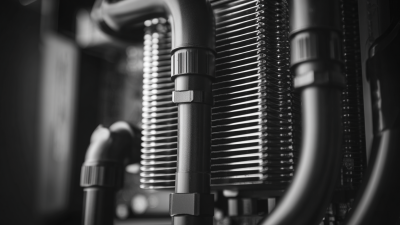
When selecting a radiator, consider the thickness and the number of fans. A thicker radiator with more fan support can increase thermal efficiency, while the fan's CFM (cubic feet per minute) ratings will determine airflow capacity. For pumps, look for those with adjustable speed settings; studies indicate that variable-speed pumps can improve cooling performance while minimizing noise levels. Lastly, while reservoirs aren't strictly necessary, they simplify the cooling loop and aid in bubble management.
**Tips:** Always prioritize compatibility with your case and other components to ensure a streamlined build process. Additionally, don’t overlook the importance of maintenance; opting for components that are easier to clean can prolong the life of your system. Finally, opting for high-quality coolant can enhance flow rates and prevent biological growth within your loop, ensuring optimal cooling performance.
How to Choose the Best Watercooling Parts for Your PC Build in 2025 - Evaluating Different Types of Watercooling Components
| Component Type |
Recommended Size |
Cooling Efficiency (W) |
Noise Level (dB) |
Price Range ($) |
| Radiator |
240mm |
250 |
30 |
70-150 |
| Water Block |
Universal |
150 |
25 |
50-120 |
| Pump |
DC-12V |
400 |
35 |
30-80 |
| Reservoir |
150ml |
N/A |
N/A |
20-60 |
| Tubing |
12mm |
N/A |
N/A |
10-30 |
How to Choose the Right Pump and Reservoir for Your Setup
When building a custom watercooling system for your PC, selecting the right pump and reservoir is paramount for achieving optimal thermal performance. According to a 2023 industry report from TechResearch, the efficiency of cooling systems can be significantly influenced by the pump's flow rate and the reservoir's design. A pump with a flow rate between 600 to 1200 liters per hour is generally recommended for most gaming and workstation builds, as this range efficiently circulates coolant while maintaining low noise levels. It is crucial to match the pump to your system's needs—higher flow rates are beneficial for complex setups but may introduce unwanted noise.
The reservoir also plays a vital role in not only cooling efficiency but also system maintenance. A larger reservoir can hold more coolant, reducing the frequency of refills and ensuring stable temperatures during intense gaming sessions. According to a 2022 coolant efficiency study by CoolingTech, systems equipped with adequate reservoir capacities saw a 15% improvement in thermal stability compared to those with insufficient reservoir sizes. Consider factors such as size, mounting options, and visibility in your build when selecting your reservoir, as these elements contribute to both aesthetics and functionality. Proper integration of these components will significantly enhance the overall performance of your watercooling setup.
Selecting Effective Radiators and Fans for Optimal Cooling
When selecting effective radiators and fans for your PC watercooling setup, it's crucial to consider size and compatibility. Radiators come in various sizes, typically measured by their length in millimeters. To optimize cooling performance, ensure that the radiator fits well within your case and has sufficient surface area to dissipate heat efficiently. Larger radiators with more fans generally provide better cooling but require adequate space and airflow in your PC build.
Fans play a pivotal role in the cooling process, affecting both airflow and noise levels. When choosing fans, look for those with high static pressure ratings, especially if your case has restricted airflow. Larger fans can move more air at lower RPMs, resulting in quieter operation. Additionally, consider setting up a push-pull configuration on your radiators, where fans are placed on both sides to enhance airflow and cooling efficiency.
**Tips:** Always check the fan specifications for airflow (measured in CFM) and noise levels (measured in dBA) to ensure they meet your preferences. For optimal cooling, aim for a balanced setup by mixing high-pressure fans with those designed for airflow in your system. Lastly, don’t neglect the thermal paste application on your waterblock; it can significantly impact the overall cooling efficiency of your setup.
Compatibility Considerations for Watercooling Parts and PC Cases
When planning a custom watercooling setup for a PC build in 2025, compatibility between the watercooling parts and the PC case is paramount. Industry studies, such as those by the Hardware Association, indicate that nearly 40% of PC builders encounter compatibility issues primarily due to oversight in sizing and fittings. Therefore, it is crucial to measure both the available space within the case and the dimensions of the cooling components. Radiators, for instance, come in various sizes—120mm, 240mm, and 360mm—which can significantly affect the airflow and thermal performance if not carefully matched to the case's specifications.
Additionally, the layout of the PC case can dictate the type of cooling components that can be effectively utilized. A report by PC Tech Analytics highlights that specific cases designed with modularity in mind can accommodate a wider range of cooling systems. For example, cases with removable drive cages or adjustable fan mounts allow builders to customize the internal environment, fostering better airflow and enhancing cooling efficiency. Ensuring that the watercooling components, such as pumps and reservoirs, fit well with the case's design can prevent not only aesthetic disruptions but also functional limitations that could hinder overall system performance. By paying close attention to these compatibility considerations, PC builders can ensure a smoother assembly process and optimize their cooling solutions effectively.
Watercooling Parts Compatibility Analysis (2025)