How to Choose the Best Aio Cooler Radiator for Your PC?
Choosing the right Aio Cooler Radiator for your PC can seem overwhelming. With so many options, how do you make the best decision? As tech expert Dr. Emily Tran states, “A perfect cooling solution balances performance and noise seamlessly.” This highlights the importance of considering both factors when selecting a cooler.
Every Aio Cooler Radiator comes with unique features. It's essential to understand your system requirements first. Consider the size of your case and the radiator thickness. Not all radiators fit all setups. The efficiency of cooling also depends on the fans used. A powerful radiator can be less effective if paired with weak fans.
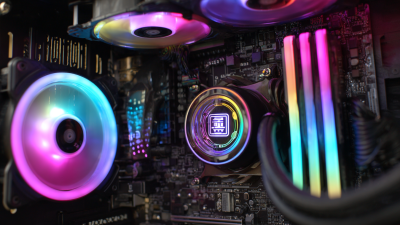
Moreover, the aesthetic appeal cannot be overlooked. RGB lighting and design are increasingly popular. However, these features shouldn't overshadow performance. Reflect on your priorities. Quality and reliability should lead your choice, not just style. The ideal Aio Cooler Radiator enhances your PC's performance while fitting your personal style. A thoughtful approach will yield the best results.
Understanding AIO Coolers: Overview and Benefits
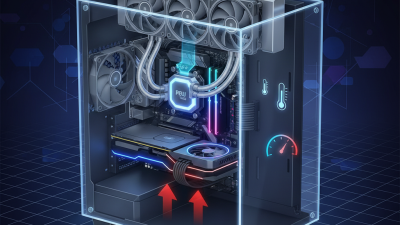
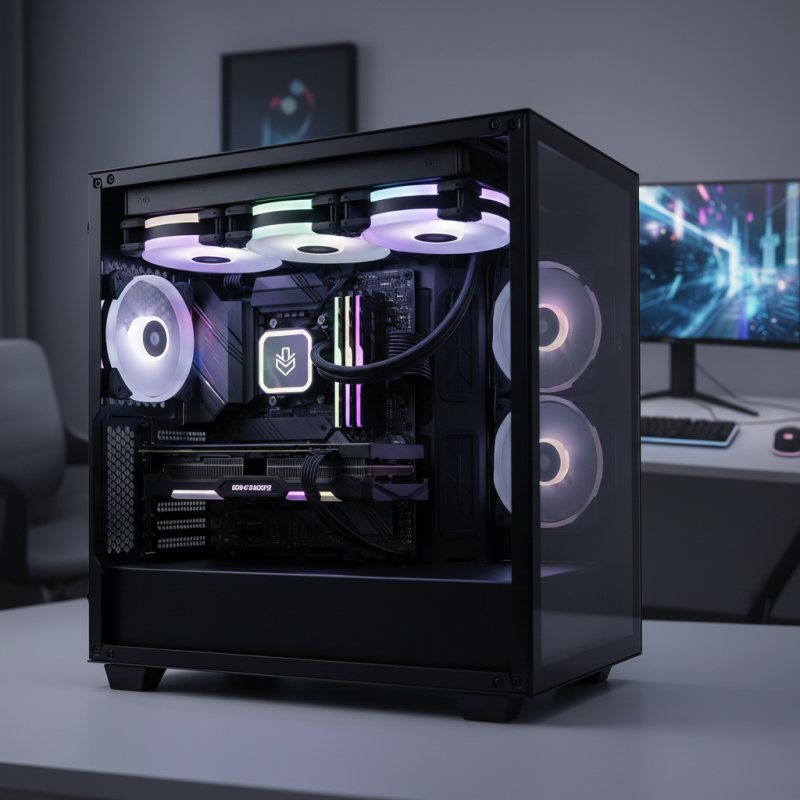
AIO coolers, or all-in-one liquid coolers, provide effective thermoregulation for your PC components. They combine a pump, radiator, and fans in one compact unit. This design simplifies installation compared to custom cooling loops. You don’t need extensive plumbing skills. However, choosing the right model requires some thought.
Understanding the benefits is crucial. AIO coolers often deliver superior cooling performance. They are usually quieter than air coolers. A properly designed AIO can reduce CPU temperatures significantly, leading to enhanced performance during intense tasks like gaming or video editing. Yet, they can also be more expensive than traditional air coolers. Some models are bulky and may not fit in smaller cases.
Keep in mind that maintenance is a factor. AIO coolers can sometimes fail, leading to pump noise or leaks. While these occurrences are rare, they should not be ignored. Awareness of these potential issues helps inform a wise investment. Overall, understanding their pros and cons aids in selecting the best AIO cooler for your needs.
How to Choose the Best Aio Cooler Radiator for Your PC?
| Dimension (mm) |
Cooling Capacity (W) |
Fan RPM (Range) |
Noise Level (dBA) |
Price Range (USD) |
| 120 x 240 |
250 |
800 - 1800 |
20 - 30 |
80 - 120 |
| 140 x 280 |
300 |
600 - 1600 |
25 - 32 |
90 - 140 |
| 120 x 360 |
400 |
700 - 1500 |
22 - 35 |
100 - 160 |
| 120 x 240 (RGB) |
250 |
800 - 2000 |
22 - 28 |
85 - 130 |
Key Factors to Consider When Choosing an AIO Cooler
When selecting an AIO cooler radiator for your PC, several key factors merit consideration.
First, radiator size plays a pivotal role. A larger radiator typically has higher cooling potential. According to a recent study,
radiators measuring 240mm or greater can decrease CPU temperatures by 10 to 20 degrees Celsius
compared to smaller counterparts. This is vital for high-performance systems where thermal management is crucial.
Additionally, fans significantly impact cooling efficiency and noise levels. The fan's RPM (revolutions per minute) influences airflow. Data shows that
fans running above 1400 RPM can enhance cooling but may introduce unwanted noise. It's a balance
between performance and acoustics. Finding a fan that combines high airflow with low noise can be challenging.
Reviews often highlight models that excel in this regard, yet user experiences vary widely.
Lastly, consider the pump design and placement. A strong pump circulates coolant efficiently. Research indicates that pumps integrated into the radiator
provide better reliability. However, this setup might limit customization and aesthetics. Consumers should weigh the importance of visual appeal against
cooling effectiveness. Each choice comes with trade-offs that require reflection and personal preference.
Radiator Size and Compatibility with Your PC Case
Choosing the right AIO cooler radiator for your PC is crucial. Radiator size and compatibility play vital roles in cooling performance. An AIO cooler typically comes in various sizes: 120mm, 240mm, and 360mm. Examining your PC case is necessary. Ensure it can accommodate the radiator you prefer, as some cases are designed for specific sizes.
Research suggests that the optimal radiator size for gaming PCs is often 240mm or 360mm. These sizes generally offer better cooling efficiency. For instance, a study by Tom's Hardware found that 360mm radiators lower temperatures by about 5-10% compared to 240mm models. However, larger radiators need ample space. If your case is compact, a 120mm radiator might be more suitable.
When selecting a radiator, consider airflow and mounting options. Make sure your case has adequate ventilation. Additional fans can enhance performance but may require extra space.
Tip: Check the clearance for RAM and GPU. Some radiators can obstruct these components. This often leads to compatibility issues.
Tip: Be cautious of mounting positions. Top mounting may lead to dust accumulation, impacting efficiency. Regularly cleaning the radiator can help maintain optimal performance.
Evaluating Pump Performance and Noise Levels
When selecting an all-in-one (AIO) cooler, assessing pump performance and noise levels is crucial. A well-functioning pump circulates coolant efficiently, maintaining optimal temperatures. A balanced design ensures that it operates quietly, avoiding distractions during gaming or work.
Pump noise can vary significantly between models. Understanding specifications is essential. Some units can produce a prominent hum, potentially disrupting your gaming experience. On the other hand, silent pumps might underperform. It's important to find the right balance. Users often overlook this aspect, prioritizing aesthetics over function.
Tips: Consider reading user reviews detailing pump noise in different scenarios. Look for feedback on pump longevity as well. This can aid in long-term performance considerations. Additionally, measure how easy it is to install and maintain the cooling unit, as this could impact your overall experience.
Cooling Performance and Noise Levels of AIO Coolers
Top Brands and Models to Consider for AIO Coolers
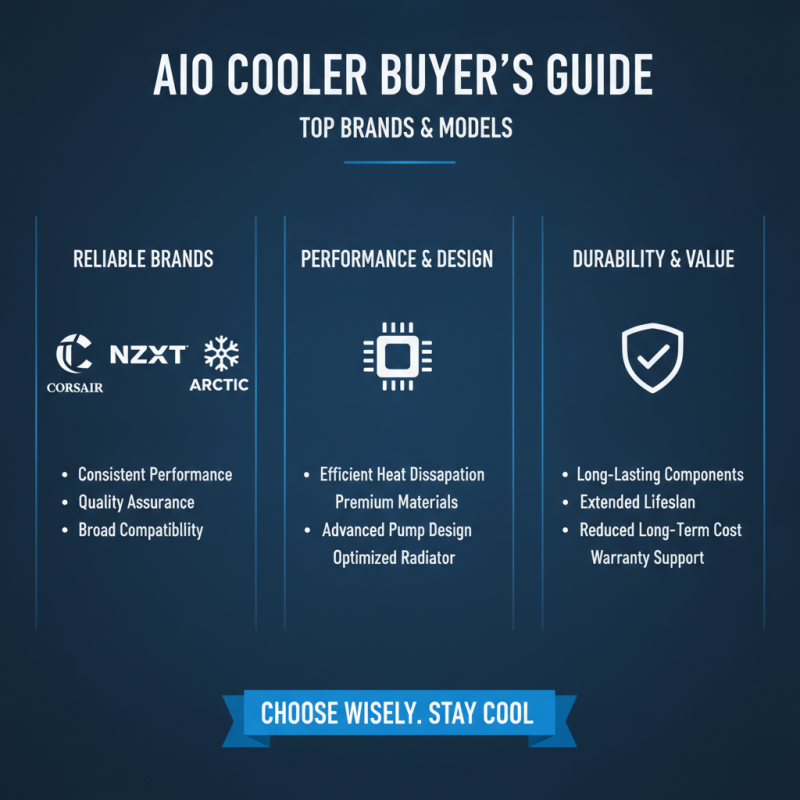
When selecting an AIO cooler, considering top brands is crucial. Well-established brands often provide reliable performance and quality assurance. Look for models that feature efficient heat dissipation. Their construction should use premium materials to ensure longevity. Durability matters; a cooler that lasts reduces long-term costs.
Check user reviews to gauge satisfaction. Customers often share their experiences, highlighting specific models and any issues faced. Some models might have a noisy pump or inadequate cooling for power users. Pay attention to these details before making a choice.
Additionally, compatibility with your PC case is essential. Some AIO coolers are larger than others. Ensure the size fits well, leaving enough space for airflow. Finding the right model may require extra research, but it pays off. The cooling performance and overall aesthetics are often worth the effort.