How to Choose the Best PC Cooling Solutions at the 139th Canton Fair?
The 139th Canton Fair presents a unique opportunity for discovering advanced PC cooling solutions. As the demand for high-performance computers rises, effective cooling methods become crucial. The global PC cooling market is projected to grow significantly, reaching USD 7.3 billion by 2027. This growth is driven by the increasing need for efficient thermal management in gaming and data centers.
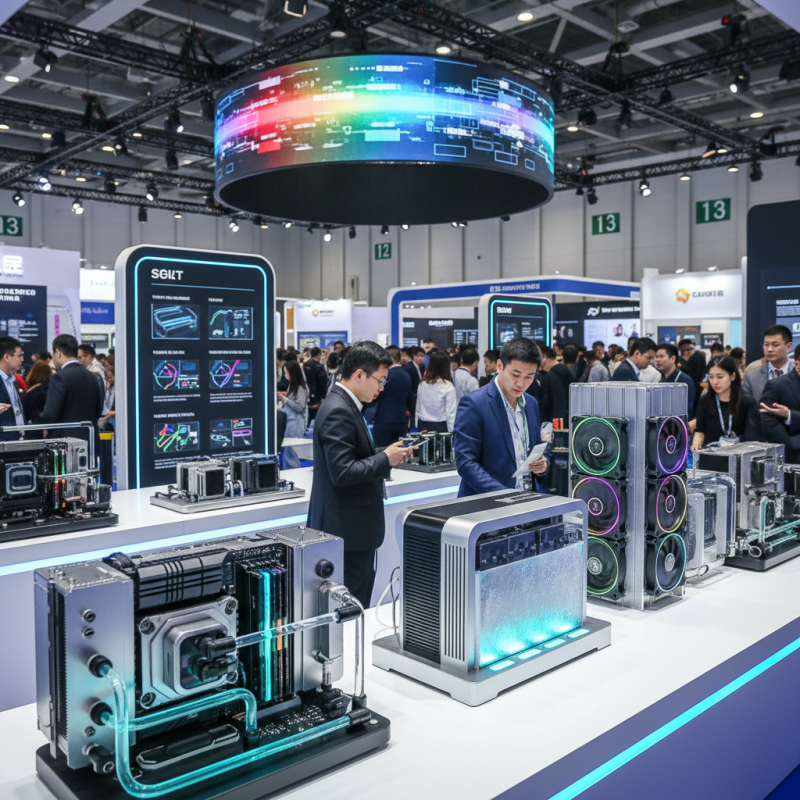
Navigating the expansive 155,000 square meter exhibition area can be overwhelming. The fair's new AI-driven search and navigation features simplify this process. Buyers can filter suppliers based on essential qualifications, like ISO and CE certifications. This ensures that attendees find reliable manufacturers for PC cooling products that meet industry standards.
However, not all cooling solutions are perfect. Some products might be overpriced or lack necessary features. It's essential for buyers to critically evaluate their options. Look for performance metrics, warranty information, and customer reviews. The right choice can significantly enhance system performance and longevity. Engaging with suppliers at the fair will provide invaluable insights into the latest trends and innovations in PC cooling technology.
How to Identify the Cooling Needs for Your PC Build at the Canton Fair
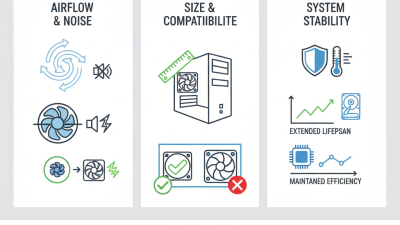
When attending the Canton Fair, understanding your PC's cooling needs is crucial. Start by evaluating your system components. High-end CPUs and GPUs generate significant heat. Inadequate cooling can lead to thermal throttling. This results in decreased performance. Consider the size and layout of your PC case. Larger cases often allow for better airflow. Make sure there’s enough space for cooling solutions.
Pay attention to the environment where your PC will operate. A humid or dusty environment may require different cooling strategies. Check the airflow direction of your fans. Proper airflow increases cooling efficiency. Experimenting with fan placements can be beneficial. Sometimes, it may not be clear what works best. Don't hesitate to rethink your initial choices.
Explore various cooling technologies at the fair. Liquid cooling may appeal to those seeking quiet operation. Air coolers are often easier to install. Avoid focusing solely on aesthetics. Performance is paramount. Assess your priorities carefully. Think about long-term impacts on your system. What works for one build may not suit another. Being cautious with choices will serve you well in the long run.
How to Choose the Best PC Cooling Solutions at the 139th Canton Fair
| Cooling Solution Type |
Cooling Method |
Suitable for |
Average Price (USD) |
Cooling Efficiency (°C) |
| Air Cooling |
Fans |
General PC Builds |
30-70 |
25-35 |
| Liquid Cooling |
Liquid Circulation |
High-Performance Builds |
70-150 |
20-30 |
| Passive Cooling |
Heat Sinks |
Low-Power Systems |
20-50 |
30-40 |
| Thermoelectric Cooling |
Peltier Effect |
Specialized Systems |
100-300 |
15-25 |
Key Cooling Technologies Available at the 139th Canton Fair
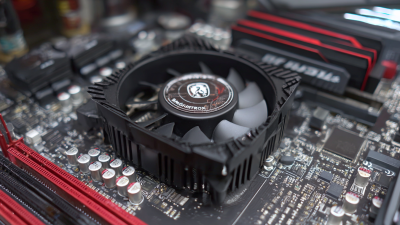
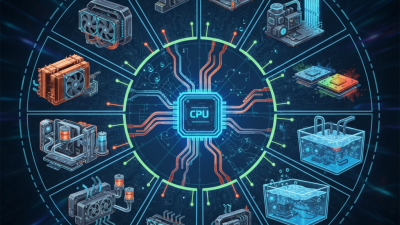
At the 139th Canton Fair, various cooling technologies for PCs stand out. These innovations are essential for maintaining optimal performance. Among the key solutions are air cooling and liquid cooling systems. Air coolers are often less expensive and easier to install. Liquid cooling systems, while more complex, can offer better cooling efficiency.
When exploring cooling options, consider efficiency and noise level. A quiet fan can enhance your workspace experience. Look for models that advertise low decibels. Also, investigate the material used in the cooling solutions. High-quality materials tend to last longer and perform better.
Tips: Before making a choice, check user reviews. These insights can reveal real-world performance and potential issues. Also, think about space. Some cooling systems require more room than others. Measure your PC case to ensure the chosen solution fits well.
Comparative Analysis of Air vs. Liquid Cooling Solutions in 2023
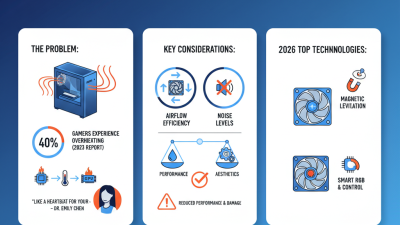
In 2023, the choice between air and liquid cooling solutions has become more crucial. Recent industry reports indicate that about 40% of gamers and professionals prioritize thermal management to enhance performance. Air cooling systems typically rely on fans and heatsinks. They are simpler, cheaper, and easier to install. However, their efficiency drops at higher loads. Studies show that air coolers can struggle to dissipate heat beyond 150 watts effectively.
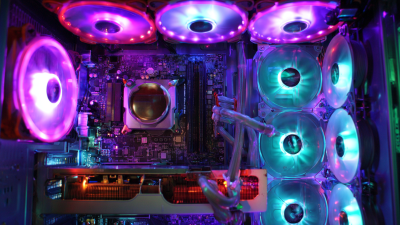
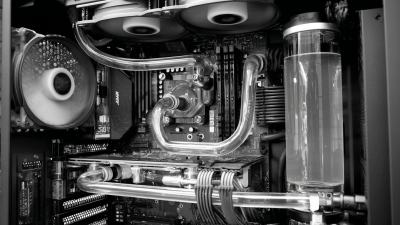
On the other hand, liquid cooling offers superior performance. Liquid systems can efficiently handle high thermal outputs, ideal for overclocking. Research indicates they can maintain temperatures below 70 degrees Celsius under full load, significantly extending hardware lifespan. However, liquid cooling setups usually require more maintenance and can be risky if leaks occur.
While air cooling is more user-friendly, the complexity of liquid solutions might deter some users. Many first-time builders may feel overwhelmed by potential installation issues. Ultimately, the decision depends on individual needs and preferences in thermal performance, budget, and maintenance willingness.
Comparison of Air vs. Liquid Cooling Solutions in 2023
Evaluating the Performance Metrics of Cooling Solutions: A Data-Driven Approach
Choosing the right PC cooling solution can significantly enhance performance. Different cooling methods are available, from air cooling to liquid cooling. Evaluating their performance metrics requires a data-driven approach. Monitoring temperature, noise levels, and energy consumption is essential. Each metric reveals vital information about cooling efficiency.
When assessing cooling solutions, consider using thermal imaging. It provides a visual representation of heat distribution across components. Understanding these hot spots can inform better decisions. Pay attention to the fan size and placement, as they impact airflow. Larger fans with lower RPMs often produce less noise.
Tip: Don't rush your choice. Test various solutions in your environment. Monitor how they handle load over time. Data collection is key. Reflect on each solution's adaptability to your setup. These insights lead to informed selections. Engaging with other users can provide practical feedback. Their experiences highlight what works and what doesn't.
Cost-Effectiveness of Various PC Cooling Solutions at the Canton Fair
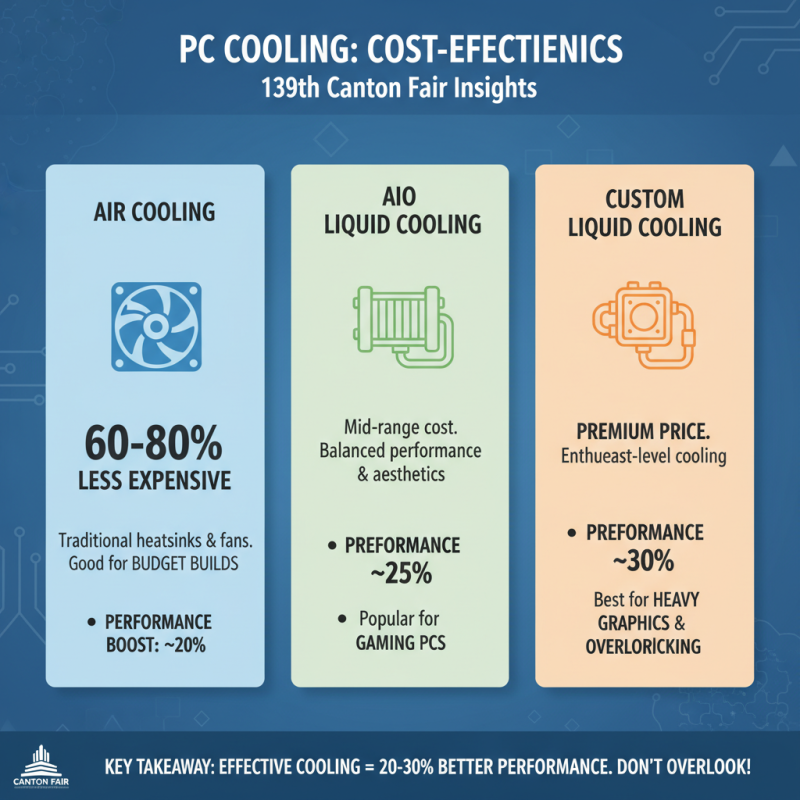
When exploring PC cooling solutions at the 139th Canton Fair, it's crucial to consider cost-effectiveness. According to industry reports, effective cooling can improve system performance by 20-30%. Many attendees often overlook this key aspect during their selection process. Choosing the right cooling system can drastically affect gaming performance or heavy graphic tasks.
The variety of cooling solutions available is extensive. Air coolers, typically less expensive, show effectiveness for most users. For example, they can range from $20 to $80, providing decent cooling and good longevity. However, liquid cooling systems, while more costly at around $70 to $200, may offer superior thermal management. Users must weigh the potential performance increase against the upfront cost.
Many overlook hidden costs. Installation of complex systems can incur additional fees. Reports indicate that up to 15% of buyers experience issues during installation. It's worth contemplating whether the incremental performance is worth potential hassle. In this evolving market, understanding cost versus benefit is crucial for every buyer at the fair.