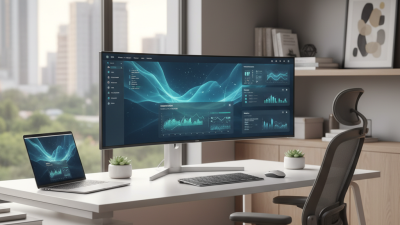
Best Curved Display Options for Your Home or Office?
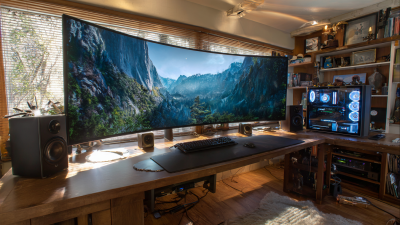
Choosing the right Curved Display for your home or office can significantly enhance your viewing experience. With their immersive design, curved displays wrap around your field of vision. This feature draws you into movies, games, or presentations like never before.
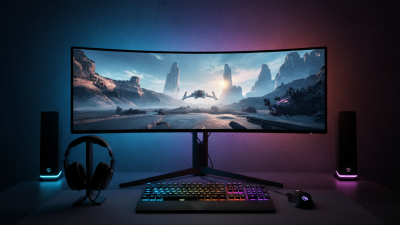
Different models cater to various needs. For instance, some curved displays excel in gaming, while others focus on professional use. Screen size, resolution, and refresh rates vary greatly. These differences can make or break the user experience. Additionally, aesthetics matter. A stylish curved display can elevate your space as much as its performance affects your productivity.
However, not every curved display is perfect. Some users find them hard to adjust to. Viewing angles can sometimes be problematic. Reflections from windows or lights might distract. This is where personal preference comes into play. It’s crucial to reflect on what truly matters for your needs. A little research and testing can lead to the best choice for your setup.
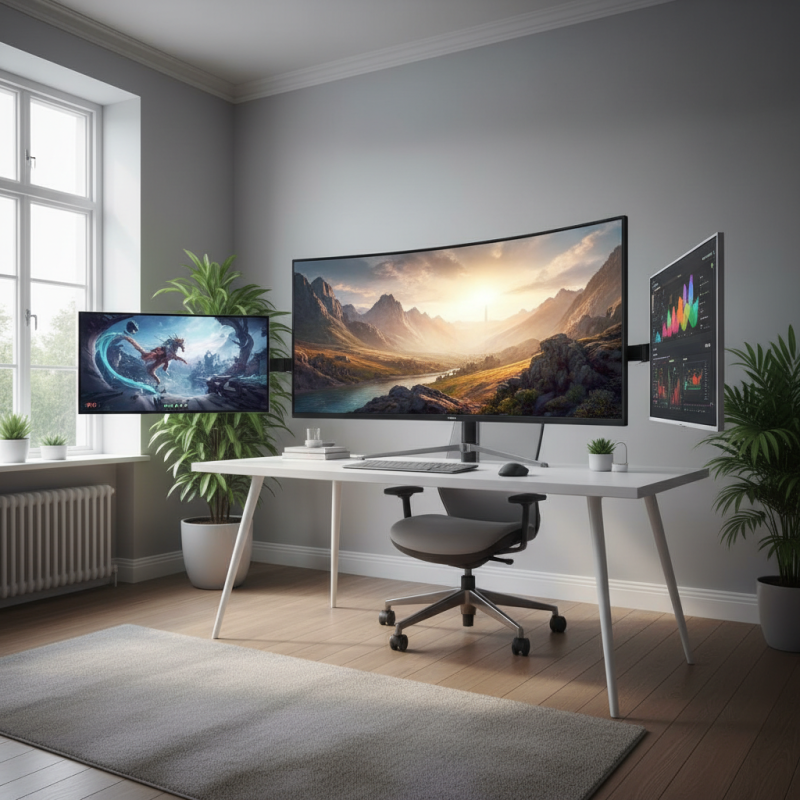
Top Features to Consider When Choosing a Curved Display
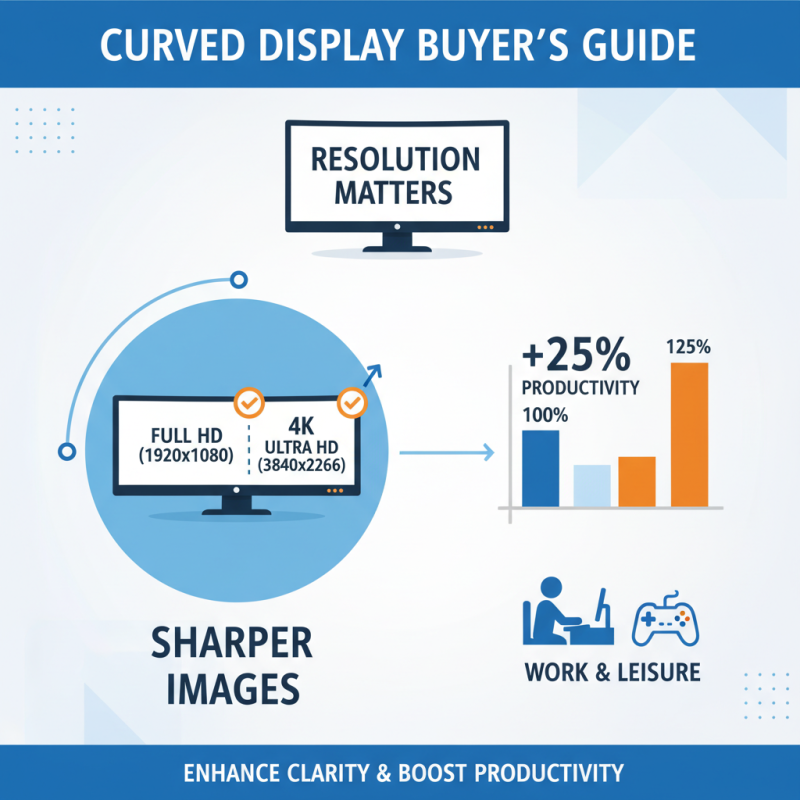
When choosing a curved display, several features deserve attention. Resolution plays a key role. High resolution enhances clarity. Most users prefer Full HD (1920x1080) or 4K (3840x2160) options for sharper images. Recent data shows displays with 4K can boost productivity by 25%. This is essential for both work and leisure.
Screen curvature is another critical factor. Curved displays come in various curvatures, measured in R (radius). A 1800R curve is suitable for immersive experiences. Meanwhile, a 3000R curve may be better for general use. A study found that viewers reported less eye strain with a 1800R curve over time. It can provide a more natural viewing angle.
Color accuracy cannot be overlooked. Look for displays with at least 99% sRGB coverage. This ensures vibrant colors and realistic images. According to experts, displays lacking this can distort visuals, impacting creative work. People often underestimate the importance of connectivity options as well. Having multiple ports, such as HDMI and DisplayPort, allows flexibility and convenience for everyday tasks. These features make a significant difference in user experience.
Best Curved Display Brands for Home and Office Use
When choosing a curved display for home or office use, various brands offer distinct advantages. Some emphasize immersive viewing experiences, making them ideal for entertainment. Others focus on vibrant colors and sharp resolutions, which are great for design work. Each option has its own strengths, but also some weaknesses. Not all models provide consistent performance across different lighting conditions.
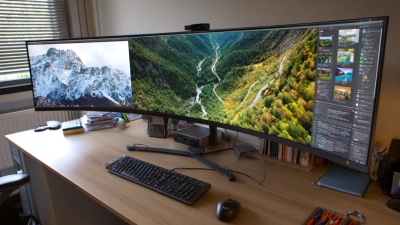
Features like screen size, curvature radius, and resolution vary widely among brands. Smaller screens might seem less impressive but can perfectly fit into compact workspaces. However, ultra-wide models provide expansive views but can occupy too much desk space. It's essential to find a good balance that meets your specific needs.
Adjustability is another factor to consider. Some displays allow height and tilt adjustments, enhancing user comfort. Without proper ergonomics, extended use can lead to discomfort. While many brands offer excellent quality, you might need to read reviews to weigh the pros and cons effectively. Finding the right curved display involves both research and personal trial.
Best Curved Display Options for Your Home or Office
| Display Size |
Resolution |
Refresh Rate |
Curvature Radius |
Use Case |
| 27 inches |
2560 x 1440 |
144Hz |
1800R |
Gaming |
| 32 inches |
3840 x 2160 |
60Hz |
1500R |
Professional Use |
| 34 inches |
3440 x 1440 |
100Hz |
2100R |
Multitasking |
| 49 inches |
5120 x 1440 |
120Hz |
1800R |
Immersive Experience |
Comparative Analysis: Curved vs. Flat Displays
Curved displays are becoming more popular in both homes and offices. They offer a unique viewing experience. The way the screen wraps around viewers is immersive. This curvature can enhance productivity and entertainment. However, some users find them less comfortable for extended use. Eye strain might occur, especially with improper setup.
Flat displays have their own advantages. They are the standard choice for many. The images appear sharp and clear, providing a reliable experience. However, they lack the immersive quality of curved screens. Some users prefer flat screens for graphic design or detailed work. They believe accuracy is vital in their projects.
When making a decision, consider your needs. Both curved and flat displays have pros and cons. Curved screens can be captivating but may require adjustment. Flat displays offer familiarity and consistency but could be less engaging. Your choice should reflect your work style and personal preference. Think about how you use screens daily.
Ideal Screen Sizes for Various Room Configurations
When selecting a curved display for your home or office, screen size plays a crucial role. Reports indicate that a 27-inch curved monitor performs well for most desk setups. It offers immersive visuals without dominating the space. For larger rooms, a 32-inch screen can create a cinematic experience. However, this size may be overwhelming in a small room.
Tip: Measure your workspace before making a purchase. This helps ensure the chosen display fits comfortably in the designated area.
Curved screens can enhance productivity by reducing eye strain. Studies show that a radius of around 1800R aligns well with natural eye movement. However, finding the right curvature might take some trial and error. Not all users appreciate the same level of immersion. For instance, some may find a sharper curve distracting.
Tip: Opt for adjustable stands, allowing users to customize the height and angle. This feature enhances comfort and helps with glare adjustment.
Best Curved Display Options for Your Home or Office
This chart illustrates the ideal usage percentages for different curved display sizes among users for home and office settings. The 34 inch display is the most favored option, while the larger sizes see less usage percentage.
Benefits of Curved Displays for Gaming and Productivity
Curved displays are emerging as popular choices for both gaming and productivity. They offer an immersive experience that flat screens often lack. According to industry reports, users experience a 30% increase in engagement when using curved monitors. This enhancement is partly due to their ability to wrap around the viewer’s field of vision.
Beyond gaming, curved displays can boost productivity in the office. A study by a leading research firm shows that multiple screens can increase task efficiency by 20%. Curved designs provide better viewing angles, reducing neck strain and allowing for longer work sessions. This ergonomic benefit is significant, especially in today's remote work environment.
Tip: When setting up your workspace, consider the distance from your eyes to the screen. A distance of 2 to 3 feet is ideal for optimal viewing.
Despite the benefits, not every user may appreciate the curve. Some find the distortion in flat images off-putting. This may lead to unintended fatigue during long hours of use.
Tip: If you are unsure, try a smaller curved display first. This can help you determine if it suits your workflow.